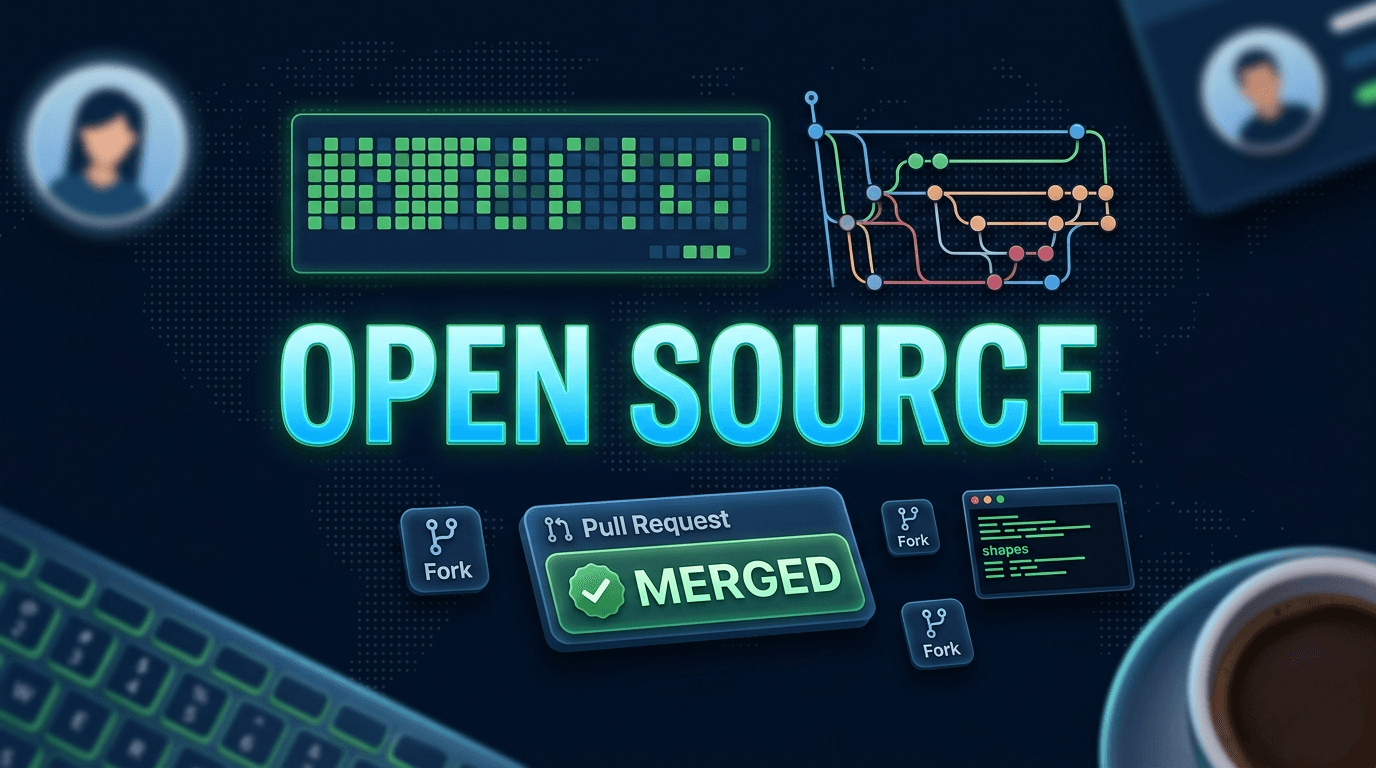
From finding your first repo to getting your first PR merged like a no-fluff, beginner-friendly walkthrough of the entire OSS contribution process.
I got into open source the way most people do; sideways. I was trying to add observability to a personal project using Prometheus and Grafana, went down a rabbit hole, and ended up on the OpenTelemetry GitHub page wondering what the difference between a log, a metric, and a trace was. That curiosity turned into contributions, and eventually my first merged PR into OpenTelemetry.
This guide is for CS students who know what a branch is but have never actually sent a pull request into a real codebase. I'll walk you through the entire personal journey finding the right repo, forking it, writing code, syncing your fork, and finally getting that green "Merged" label on your PR. With real commands. And real mistakes.
Why Contribute to Open Source at All?
Before we get into the Git commands, let's be honest about why you should do this.
Not because it "looks good on a resume" (though it does). The real reason: OSS forces you to read code you didn't write, communicate with people you've never met, and ship something that actually runs in production somewhere in the world. Nothing in college prepares you for that.
In my case, I used AI heavily to understand the codebase for my first 2–3 PRs. There's zero shame in that. The point isn't to pretend you know everything, it's to learn while doing. OSS gave me that.
Step 1: Finding the Right Repository
Don't start with the Linux kernel. Don't start with React. Start with something you actually use or care about.
How to find beginner-friendly repos:
- Search GitHub for
good first issueorhelp wantedlabels - Go to goodfirstissue.dev or up-for-grabs.net
- Think about tools you use: logging libraries, CLI tools, documentation frameworks
- Check the CNCF landscape if you're into DevOps/cloud
What to look for in a repo before committing:
- Active maintainers (last commit < 30 days ago)
- A
CONTRIBUTING.mdfile like this is your bible - Issues labeled
good first issueorbeginnerorhelp wanted - Welcoming PR reviews (read a few open PRs to get the vibe)
I found OpenTelemetry while trying to understand observability. Once I saw they had Python and JavaScript SDKs, I knew I could contribute something useful without being a systems programming wizard.
Step 2: Forking and Cloning
When you contribute to someone else's repo, you don't push directly to it. You fork it (create your own copy on GitHub), work on your copy, and then send a Pull Request asking the maintainers to pull your changes in.
# 1. Fork the repo on GitHub (click the "Fork" button on the repo page)

# 2. Clone YOUR fork (not the original)
git clone https://github.com/YOUR_USERNAME/opentelemetry-python.git

# 3. Go into the project folder
cd opentelemetry-python

# 4. Add the original repo as "upstream" this is critical
git remote add upstream https://github.com/open-telemetry/opentelemetry-python.git

# 5. Verify your remotes
git remote -v
# origin    https://github.com/YOUR_USERNAME/opentelemetry-python.git (fetch)
# upstream  https://github.com/open-telemetry/opentelemetry-python.git (fetch)
Think of it this way:
origin= your fork (you own this, push freely)upstream= the real project (read only for you)
Step 3: Creating a Feature Branch
Never work on main. This is the golden rule. Always create a new branch for every issue or feature.
# Make sure your main is up to date first
git checkout main
git pull upstream main

# Create and switch to a new branch
git checkout -b fix/your-branch-name
Name your branch something descriptive. fix/ for bug fixes, feat/ for features, docs/ for documentation. Maintainers appreciate clean branch names it signals that you know what you're doing.
Step 4: Writing Your Code
This is where you actually do the work. Read the CONTRIBUTING.md, set up the dev environment, find the issue you want to fix, and write the code.
My first real contribution to OpenTelemetry was building automated tooling to enforce Apache 2.0 license headers across 100+ Python and JavaScript/TypeScript files, and then integrating that validation into the CI/CD pipeline and pre-commit hooks so violations couldn't sneak in again.
It wasn't glamorous. But it was needed, it was real, and it ran in production. That's what matters.
# Stage specific changes
git add -p

# Or stage everything
git add .

# Commit with a clear message
git commit -m "feat: add Apache 2.0 license header validation to CI pipeline" # add a short msg of what it does
Step 5: Syncing Your Fork with Upstream
This is where I got burned. More than once.
Here's what happens: you fork the repo on Monday. You work on your branch for 3 days. Meanwhile, 5 other contributors merge their PRs. By Thursday, your fork's main is behind upstream and so is your feature branch but you forgot about the branch part.
I remembered to sync my main. I forgot to update my working branch. I opened a PR, and within 2 days a maintainer commented: "Your branch is behind main." Not mean, just factual. But it stung because I didn't know what I'd done wrong.
Here's the right way to sync everything:
# Step 1: Fetch all changes from upstream
git fetch upstream

# Step 2: Update your local main
git checkout main
git merge upstream/main

# Step 3: Push updated main to your fork
git push origin main

# Step 4: ALSO update your feature branch (THIS is the part people forget)
git checkout fix/your-branch-name
git rebase upstream/main
⚠️ Always sync your feature branch, not just main. Your PR is based on your branch, not your main.
Step 6: Merge vs Rebase (The Confusion Nobody Fully Resolves)
Honest confession: when I started, I had no idea when to use git merge versus git rebase. I'm still learning the nuances. But here's how I think about it now.
git merge
Merge brings two branches together and creates a new "merge commit" that records it happened.
git checkout your-feature-branch
git merge main
Your history looks like:
 A - B - C - D (main)
      \       \
       E - F - G (merge commit)
The history is preserved exactly as it happened. But it can get messy with lots of merge commits.
git rebase
Rebase moves your commits to the tip of the target branch, replaying them one by one as if you'd started from there.
git checkout your-feature-branch
git rebase main
Your history becomes:
 A - B - C - D (main)
                 \
                  E' - F' (your branch, cleanly on top)
The history is clean and linear. This is what most OSS projects prefer for feature branches.
Rule of thumb for OSS:
- Use
git rebase upstream/mainto keep your branch up to date before opening or updating a PR - Never rebase a branch that other people are also working on
Step 7: git stash (Something i wish i had learnt earlier)
You're in the middle of coding. Suddenly you need to switch branches to fix something urgent, but your work isn't ready to commit. Don't commit half-baked code. Use git stash.
# Save your current uncommitted changes
git stash

# Switch branches, do your thing
git checkout main

# Come back and restore your work
git checkout fix/your-branch-name
git stash pop
Stash is like a temporary locker for your in-progress work. Put it in, take it out when you need it.
Step 8: Opening the Pull Request
Once your code is ready and your branch is synced with upstream:
git push origin fix/your-branch-nameGo to GitHub and you'll see a banner: "Your branch is ahead - open a Pull Request." Click it.
Writing a good PR description:
## What
Adds automated Apache 2.0 license header validation for Python and JS/TS files. (add a description of what you fixed or added)

## Why
Closes #456
several files were missing required license headers. (reaosn)

## How
- Script checks for the header in every `.py`, `.js`, and `.ts` file
- Integrated into pre-commit hooks and GitHub Actions CI pipeline

## Testing
Ran locally against all 100+ affected files. CI passes.
Step 9: Surviving the PR Review
This is the part that surprised me most.
I opened my first PR and waited. Two days later a maintainer replied he pointed out that my branch was behind main, walked me through what that meant, and was genuinely kind about the whole thing. By the end of the review he was encouraging me.
That's the thing about OSS communication it's direct and technical, not because maintainers are harsh, but because they're volunteers giving their time to help you ship better code. Most of them are incredibly welcoming if you show up with good intent. Don't overthink the feedback. Just fix what they say and reply fast.
# Fix the issue, then:
git add .
git commit -m "fix: rebase on latest main, address review feedback"

# Force push to update your PR
git push origin fix/your-branch-name --force-with-lease
Use
--force-with-leaseinstead of--force. It's safer — it won't overwrite changes if someone else pushed to the branch.
Common review feedback and what it means:
Feedback                         | What to do
---------------------------------|-------------------------------------------------
"Your branch is behind main"     | `git fetch upstream && git rebase upstream/main`
"Needs a test"                   | Write a test, push again
"This is out of scope"           | Ask what a smaller version might look like
"LGTM"                           | You're getting merged 🎉
Quick Reference: Git Commands for OSS
# --- Setup ---
git clone https://github.com/YOU/repo.git
git remote add upstream https://github.com/ORIGINAL/repo.git

# --- Branching ---
git checkout -b feat/my-feature
git checkout main

# --- Syncing ---
git fetch upstream
git rebase upstream/main
git push origin main

# --- Working ---
git add -p
git commit -m "feat: clear message"
git stash
git stash pop

# --- PR Updates ---
git push origin feat/my-feature --force-with-lease
Final Thoughts
OSS is not about being the best developer in the room. It's about showing up, reading the code carefully, communicating clearly, and being willing to fix things when a maintainer asks you to.
I started contributing to OpenTelemetry less than two months ago. I used AI to understand code I'd never seen before. I got feedback that stung a little. And I still got my code running inside one of the most widely-used observability frameworks in the world.
Start small. Find a good first issue,help-wanted, or beginner-friendly repo. Fork the repo. Sync your branch before opening the PR. And when a maintainer comments, reply fast and fix it.
If you're on a similar path, learning Devops, Cloud, contributing to CNCF projects, or figuring out SRE, I'd love to connect. Drop a comment or find me on LinkedIn and Twitter.